Lesson 10 of 10 · about 3 minutes
Go live and choose your plan
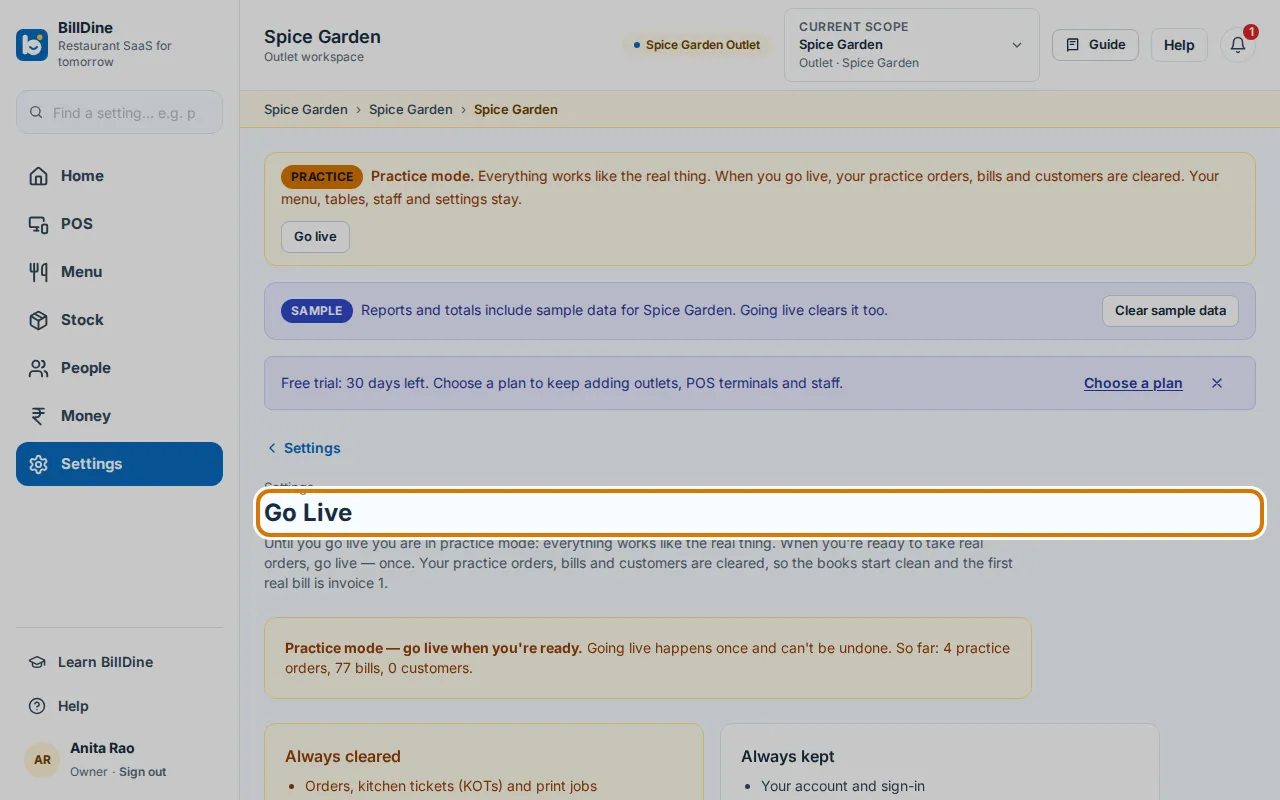
When you are ready for real customers, go live and pick a plan. Your practice orders, bills and customers are cleared, and your first real bill is number 1.
Until you go live every bill is a test bill. Going live happens once. After it, every bill is real and counts in your reports and tax.
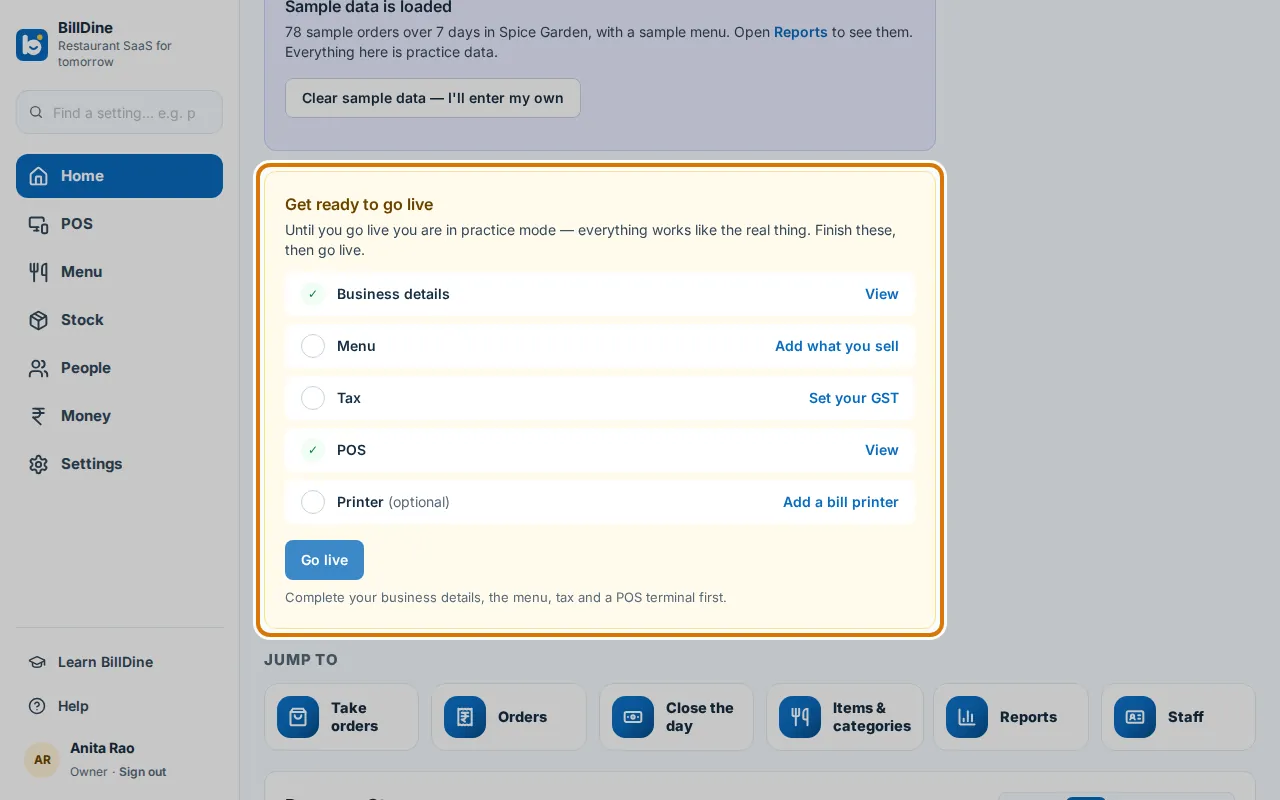
Step 1: On Home, look at Get ready to go live. A row gets a tick when you have done it yourself: Business details, Menu, Tax and POS. Sample dishes do not count as your menu. Tap a row without a tick to do it.
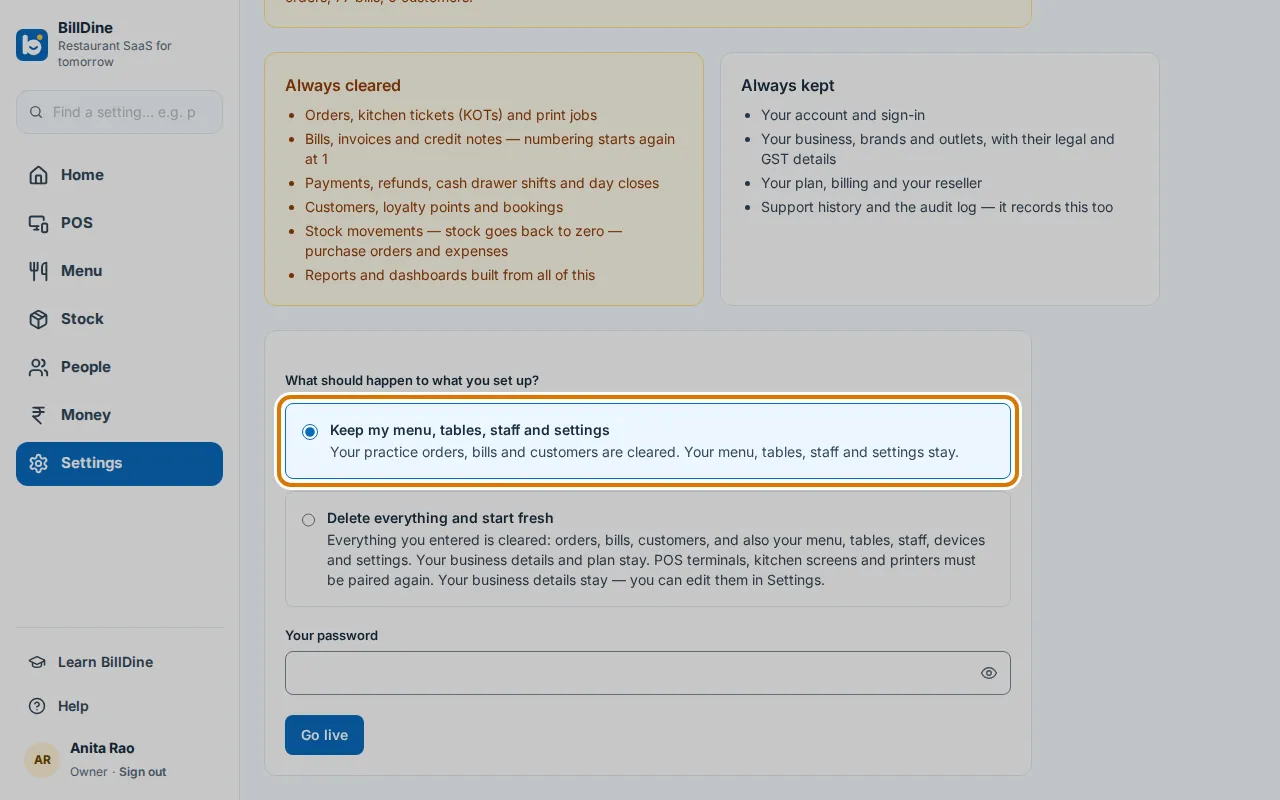
Step 3: Leave Keep my menu, tables, staff and settings selected. Your practice orders, bills and customers are cleared when you go live.
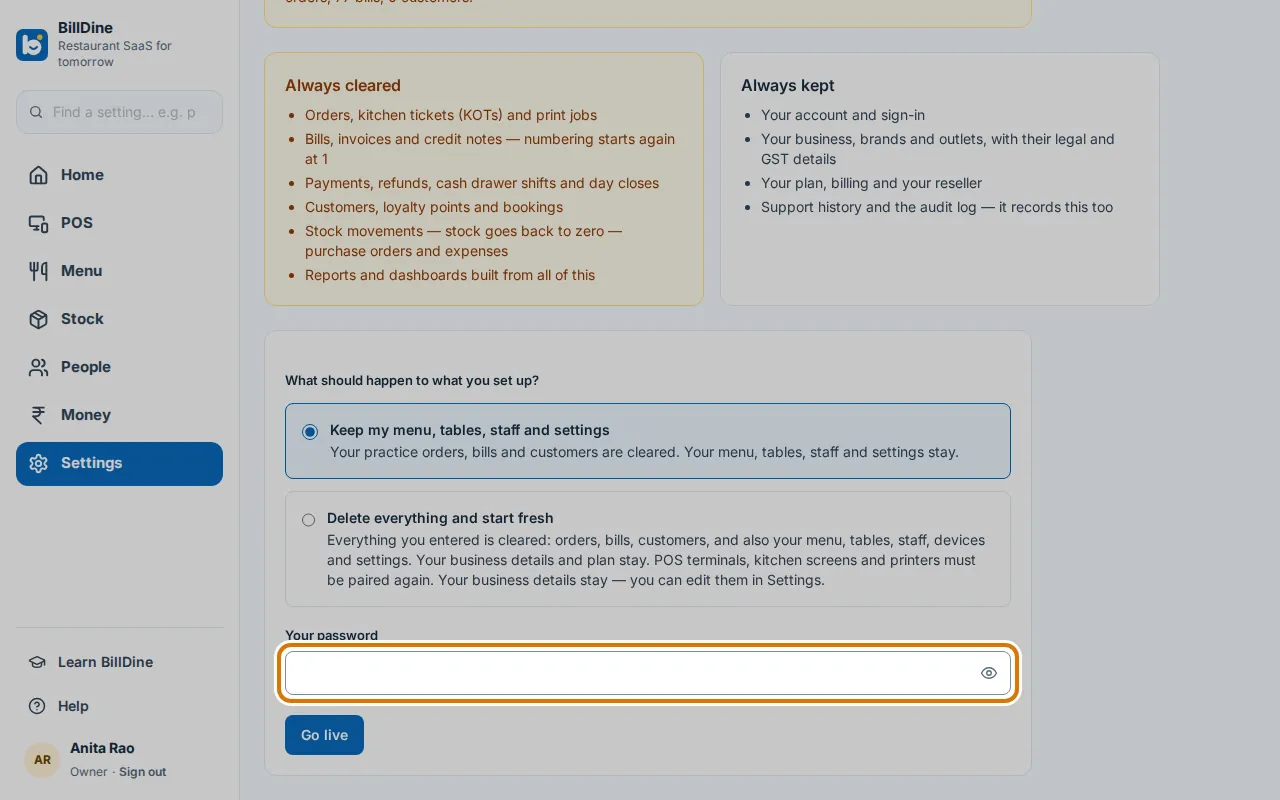
Step 4: Type Your password and tap Go live. From now on every bill is a real bill.
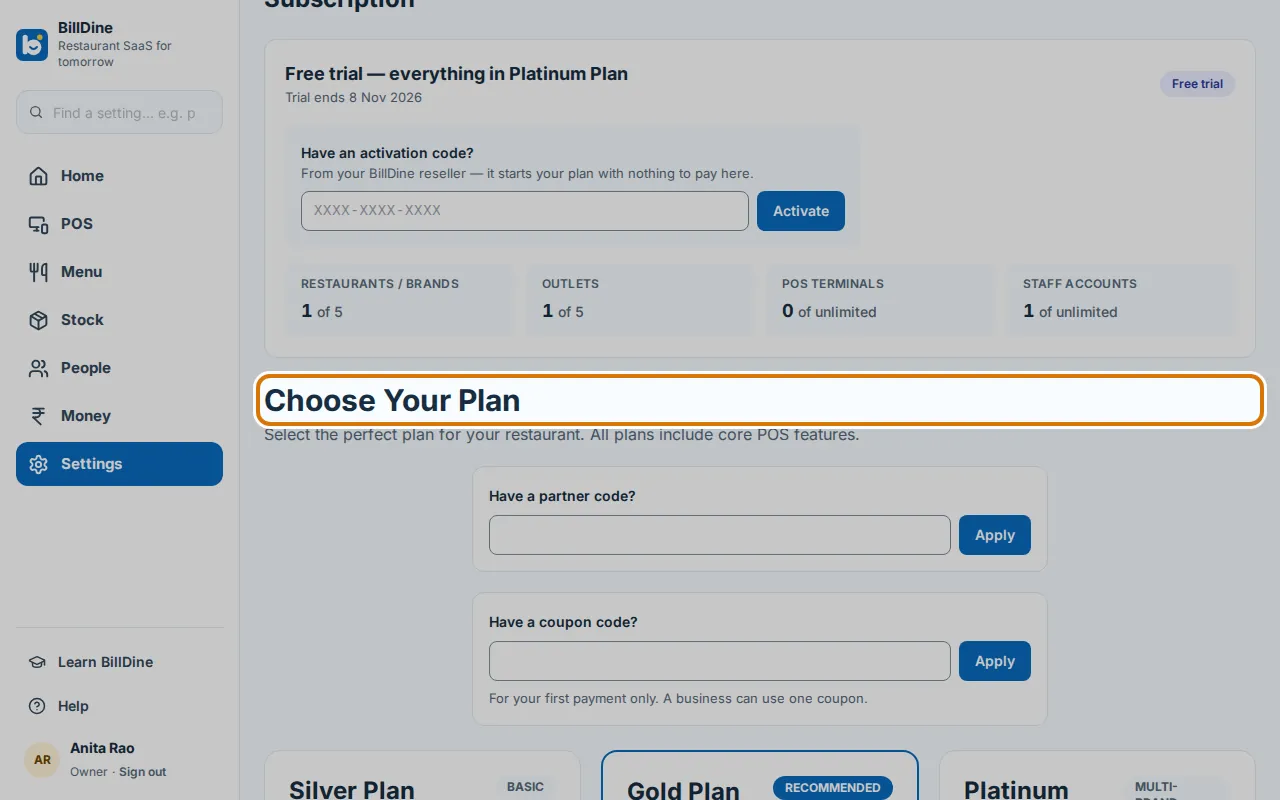
Step 5: In the browser, open Subscription in the menu (right after Settings). Under Choose Your Plan, click Subscribe on the plan you want and pay. In the app, Subscription shows the same plans, but Subscribe says: You can upgrade in your account on the website www.billdine.com.
You are done when
The page says Your business is live, and the Practice tag is gone.
If you get stuck
- Go live is grey on Home — Finish the rows in Get ready to go live: your business details, at least one menu item of your own, tax, and POS (open POS once, or set up a POS terminal).
- You loaded sample data — Nothing to do. Sample data is always removed when you go live.