What BillDine does
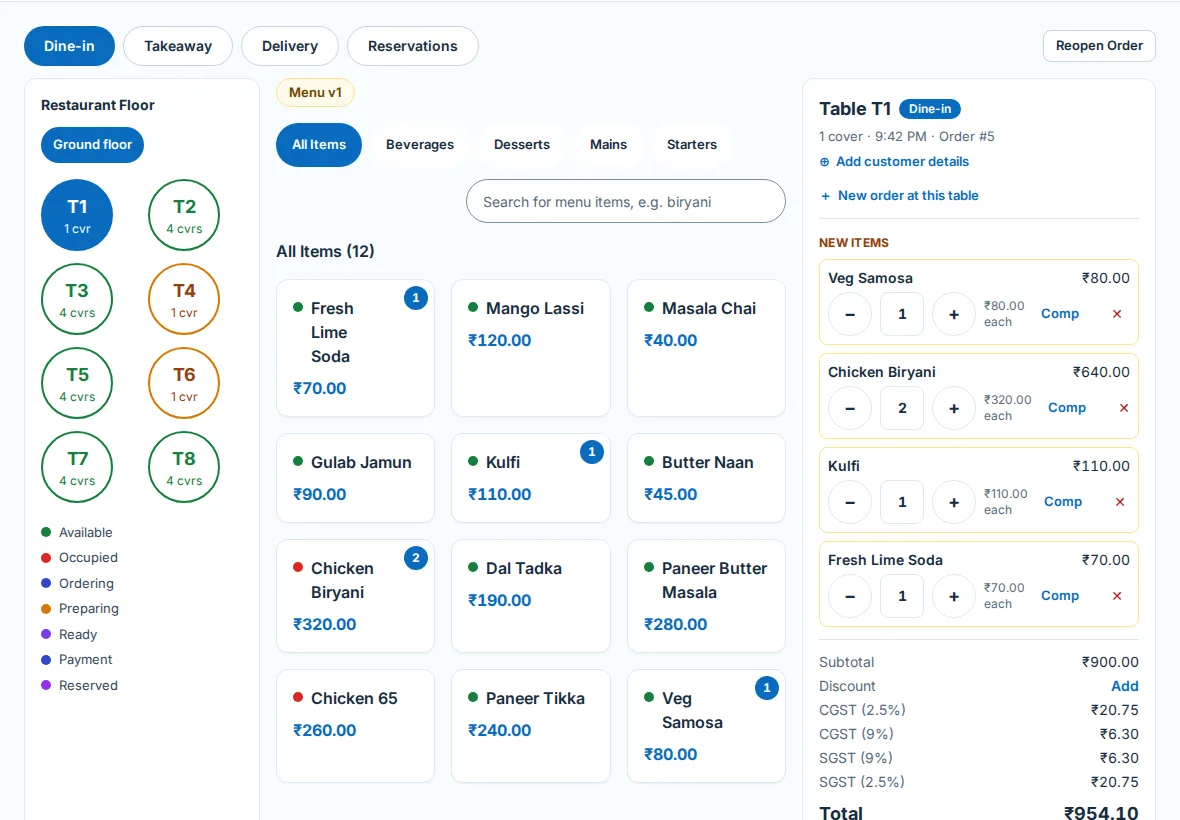
POS
Take dine-in, takeaway and delivery orders and get paid — in a browser or in the app.
- Add items with sizes, add-ons and kitchen notes
- Cash, card and wallets, split bills and part payments
- Tax-ready bills with the right tax, numbered for you
- Discounts, coupons and complimentary items, with a manager's PIN where you want one
- Open and close the cash drawer with a counted float and a shift report
Kitchen screen
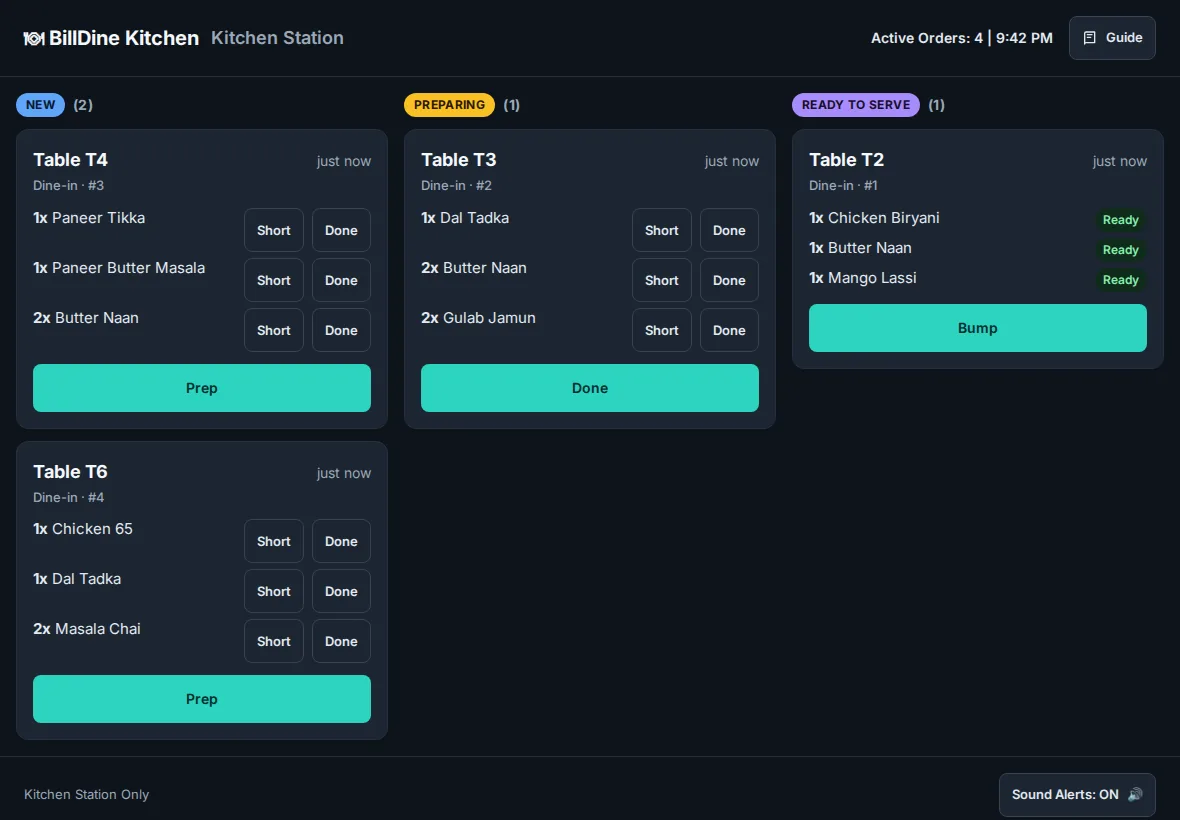
Every order reaches the kitchen as a ticket — on a screen, on paper, or both.
- Tickets go to the right kitchen section
- New, preparing and ready — the floor sees it change
- Late tickets stand out
- Unlimited kitchen screens on every plan
Tables
See the floor at a glance and keep every table's order straight.
- Floors and tables with live status
- Move an order, merge tables or seat two parties at one table
- Reservations with a table held for the booking
Inventory
Know what you have, what you used and what to order.
- Recipes take stock down as you sell
- Wastage, adjustments and stocktakes, each with a record
- Suppliers, purchase orders and goods received
- Low-stock alerts
Staff
Give each person the access their job needs — and no more.
- Roles and permissions per restaurant or outlet
- A PIN for each person at the POS — no email needed
- Clock in, breaks and clock out
- Every sensitive action is on the audit log
Reports
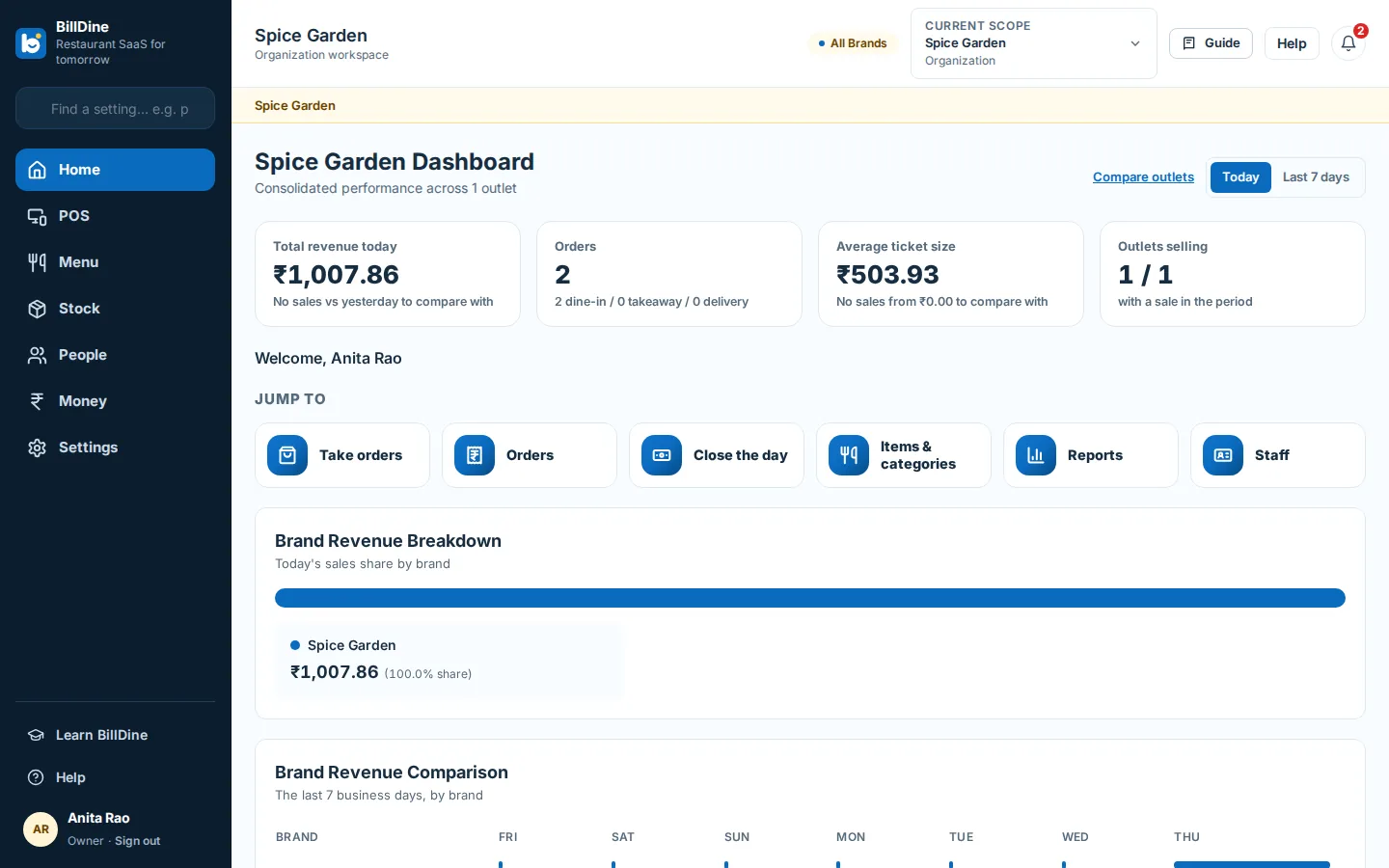
The day's numbers, and the month's, without a spreadsheet.
- Sales, orders, payments, menu, staff and tax reports
- One outlet, one brand or the whole business
- Day close and tax summaries for your accountant
- Export to CSV or PDF
Customers and loyalty
Remember your regulars and give them a reason to come back.
- Customer list with visits and spend
- Loyalty points and tiers, earned and redeemed at the POS
- Send the bill by WhatsApp, email or a link
Printing
Bills and kitchen tickets print without a setup project.
- Works with common Wi-Fi and Bluetooth thermal printers
- The app finds your printer and prints a test page
- On a computer, printing works from the browser straight away
- Your own bill layout: name, address, tax number and footer
App that works offline
The Android app keeps selling when the internet drops.
- For phones and tablets
- Orders and cash payments are saved on the device
- Everything syncs by itself when the connection is back
Support assistant
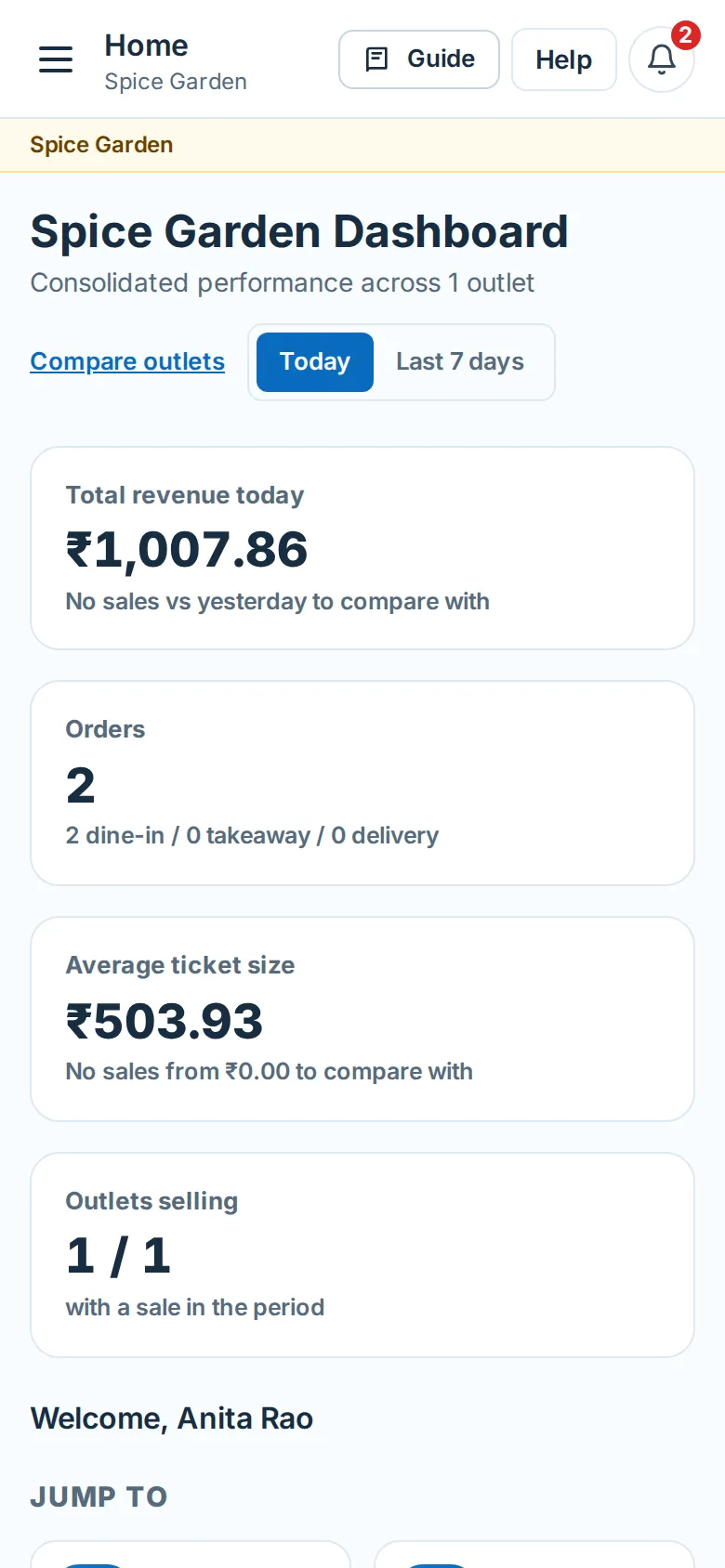
Help on every page, in plain words.
- Ask a question and get the steps for your own setup
- Step-by-step guides for every screen
- A ticket to our team when you need a person
Who it's for: how BillDine fits cafés, quick service, cloud kitchens, bars, fine dining and restaurant groups.
Ready when you are
Create your account and go straight in: no set-up questions, and a few days of sample orders to explore. Your free trial starts when you sign in.
Setting up a POS terminal or kitchen screen? Use this device as a terminal