Lesson 4 of 10 · about 3 minutes
Take payment: cash and card
Take money for a bill: cash with change, or a card on your card machine.
Guests pay in different ways. BillDine works out the change for cash and notes down card payments, so your day's totals match your money.
Step 1: On the order, tap Pay with the amount. The page Select Payment Method opens.
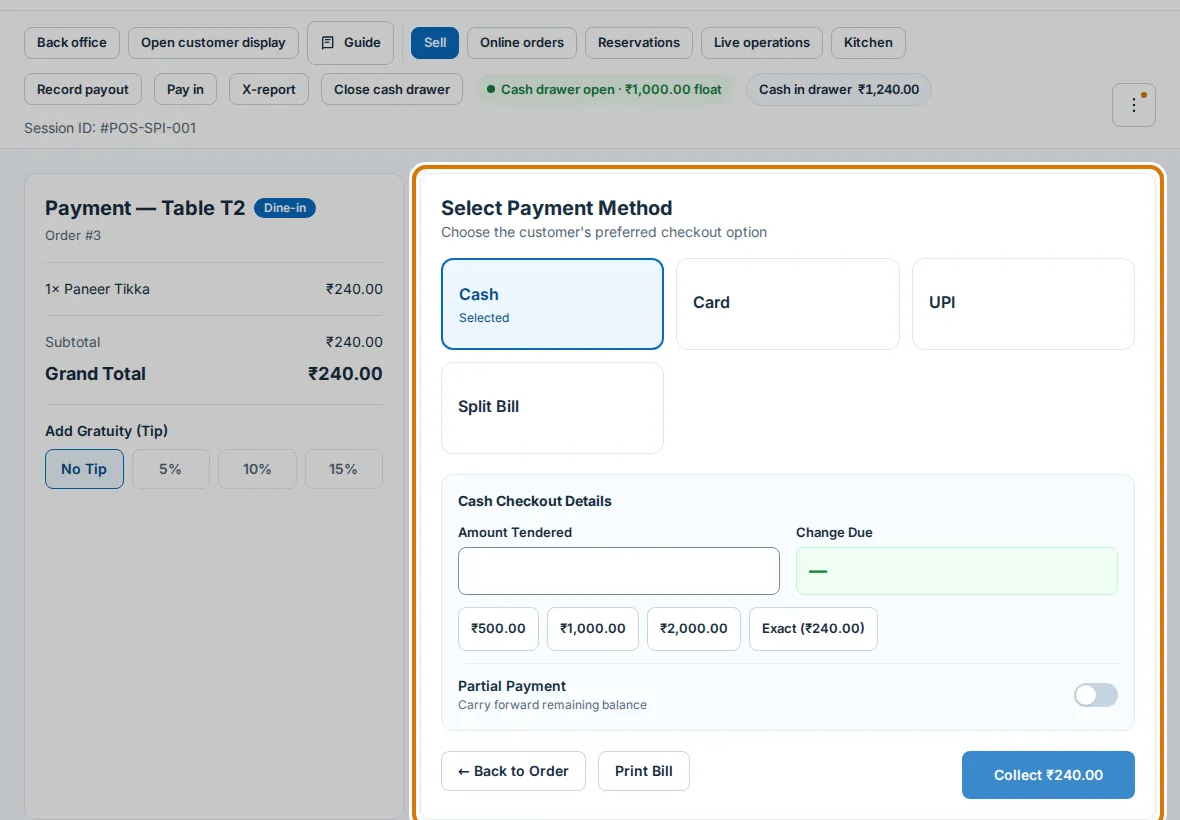
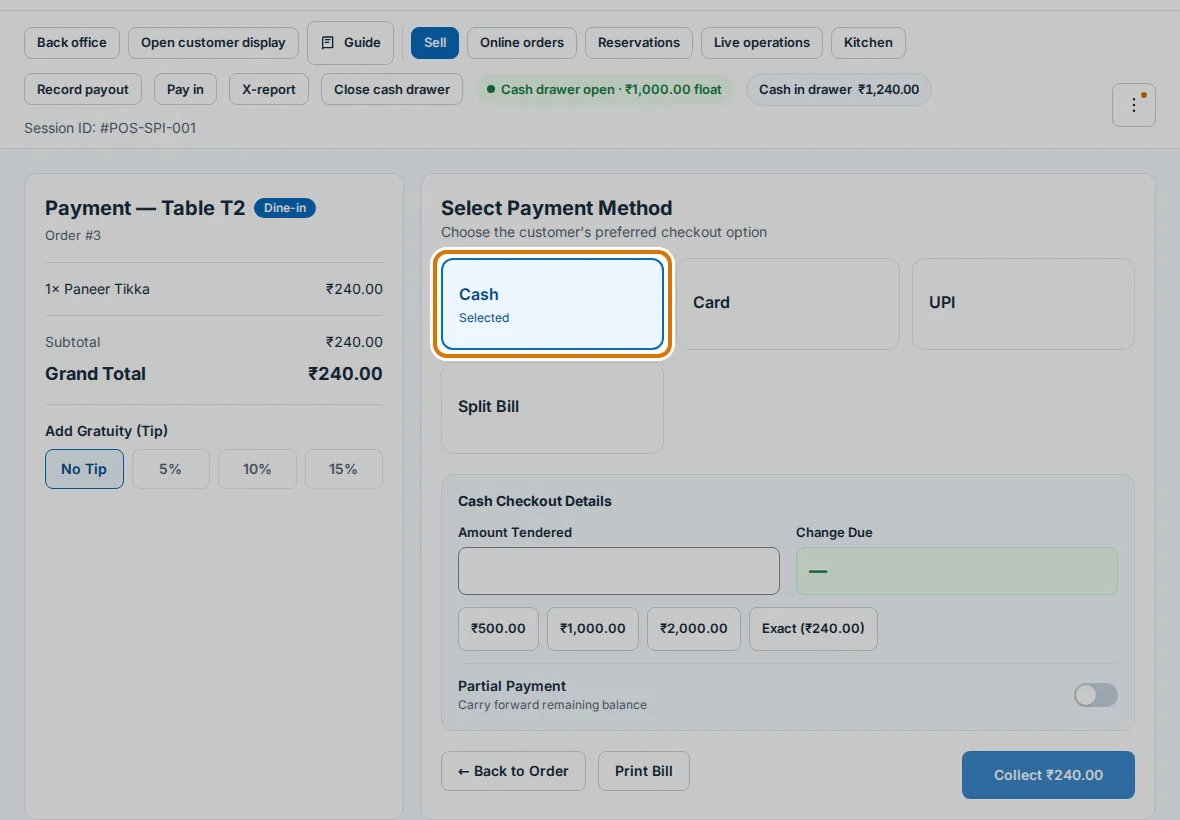
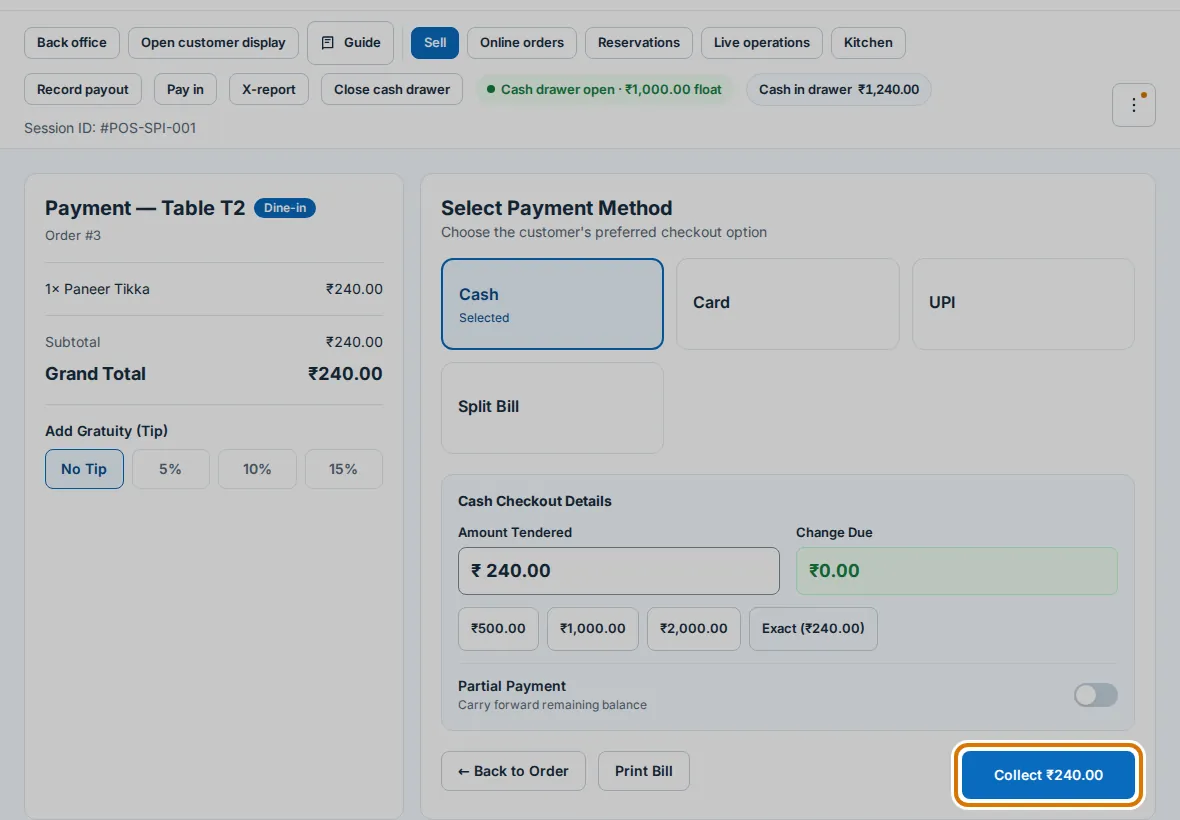
Step 2: For cash, tap Cash. Type what the guest gave in Amount Tendered, or tap Exact. Change due shows what to give back.
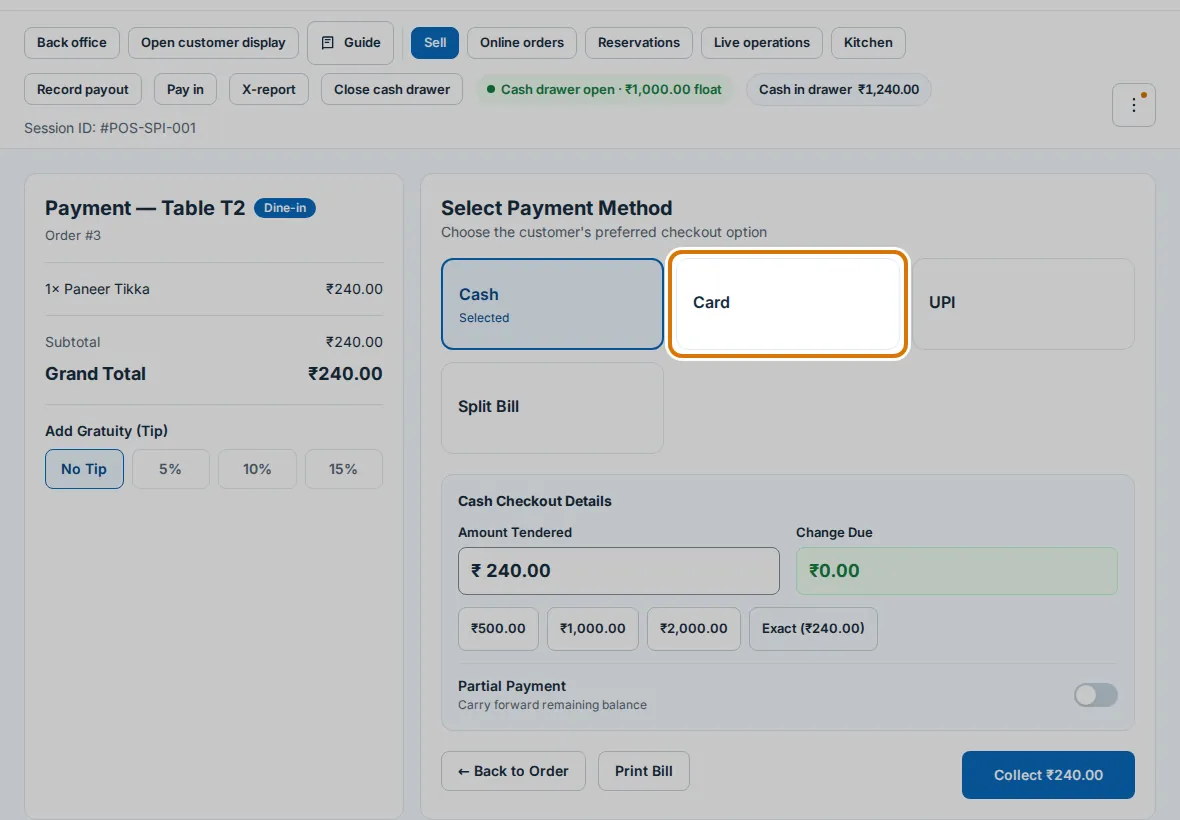
Step 4: For a card, first take the payment on your own card machine. Then tap Card and tap Record. BillDine only notes it down.
You are done when
You see Payment Successful, and the payment shows under its method in today's sales.
If you get stuck
- Card says Not turned on — The owner turns the method on in Settings → Billing rules → Payments.
- The guest paid less than the bill — Turn on Partial Payment, type what was paid, and take the rest later.